
REVENUE01
Find & qualify the opportunity
Enterprise Opportunity Engine can surface source-backed targets, score the signal, research buying committees and keep outreach human-approved.
Connect sales and preproduction with drawing approvals, fabrication, freight and field execution. Give crews a clear My Day queue, keep photo evidence organized, and bring customers through sign-off and closeout with one shared project record.
Explore the new field-evidence toolsThis preview mirrors current E.S.H. workflows. The labels are real product concepts; the project data shown here is intentionally generic.
Structured around sign-project operations
One workflow across PMs and crews
Founding beta access is limited and controlled
Sign projects cross sales, estimating, design, permitting, fabrication, freight, dispatch, field crews, customers and accounting-ready closeout. E.S.H. gives those handoffs one operational spine instead of forcing every department to rebuild the story in another inbox, spreadsheet or app.
Enterprise Opportunity Engine can surface source-backed targets, score the signal, research buying committees and keep outreach human-approved.
Create the job, customer, location, scope and secure tracking credential, then keep survey findings and source documents on the same record.
Structured department requests organize estimating, design, Municipal Sign Code Research, permitting, due dates, attachments and handoffs before production begins.
Versioned drawing requests move through an online customer decision flow. Approved, changes requested, canceled and superseded states stay tied to the project.

Production pipelines show materials, build, paint/finish, electrical, assembly, QC and readiness with shop photos and stage ownership visible to the office.

Track shipments, carriers, PRO/BOL details, ETA, release, damage/shortage exceptions and receiving confirmation without separating logistics from the project.
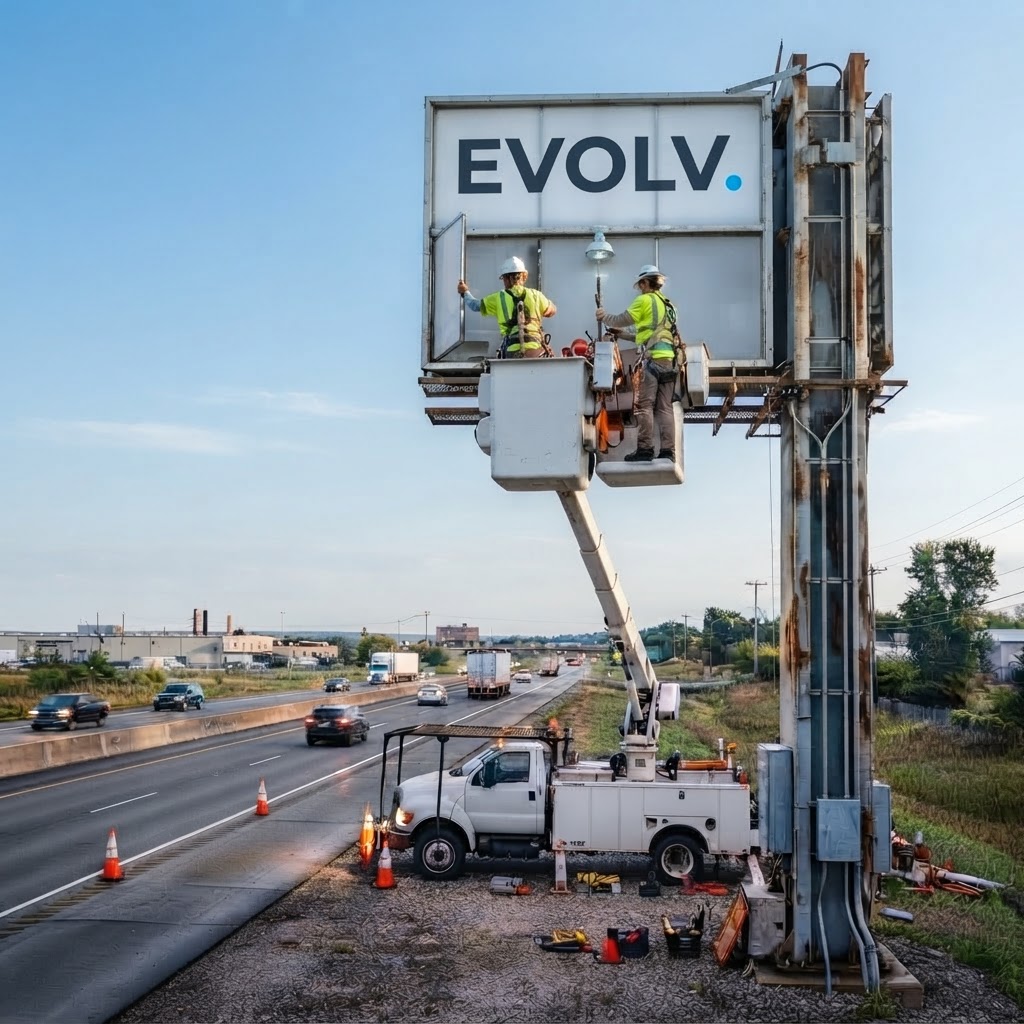
Assign crews or subcontractors, coordinate the install window, surface logistics blockers and use location-aware workflows where device permissions allow.
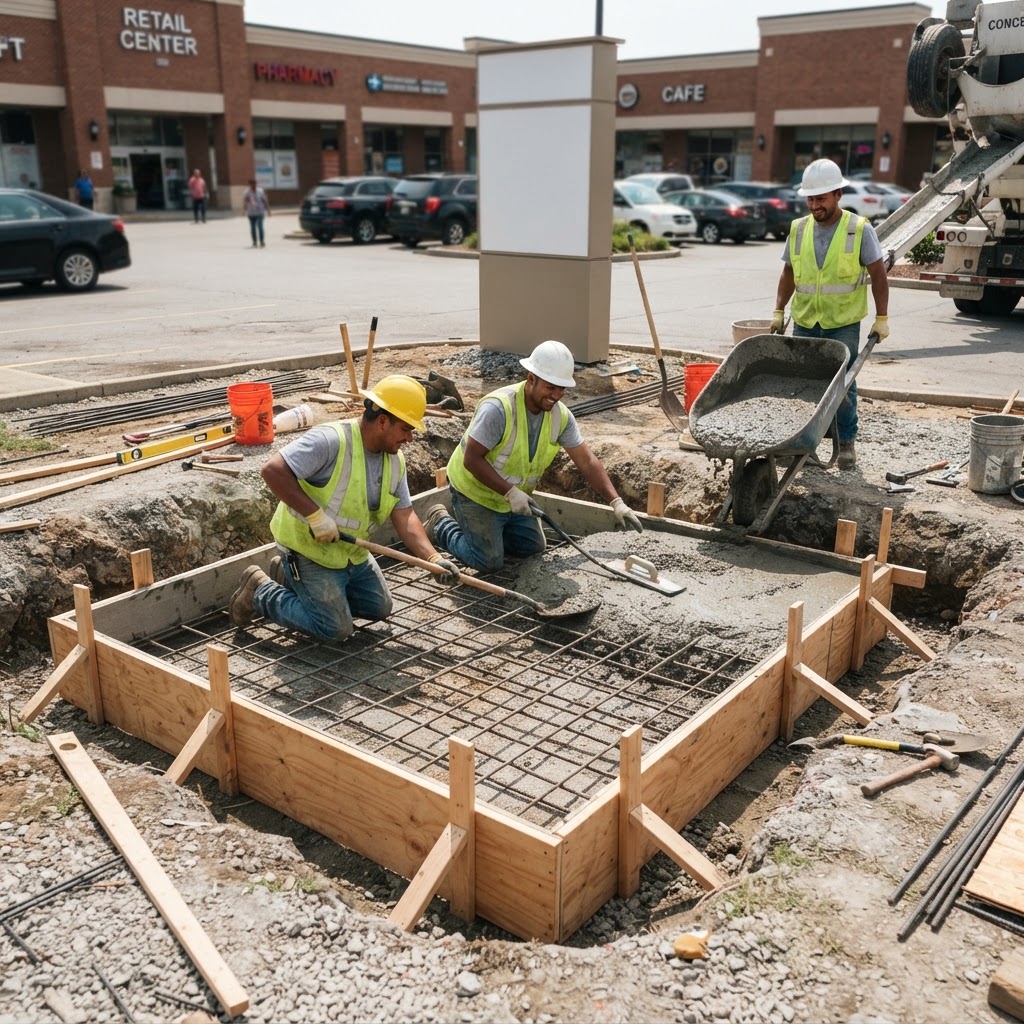
Field users get assigned work, job number, location, next action, drawings, checklist, issues and evidence requirements without navigating the full office workspace.
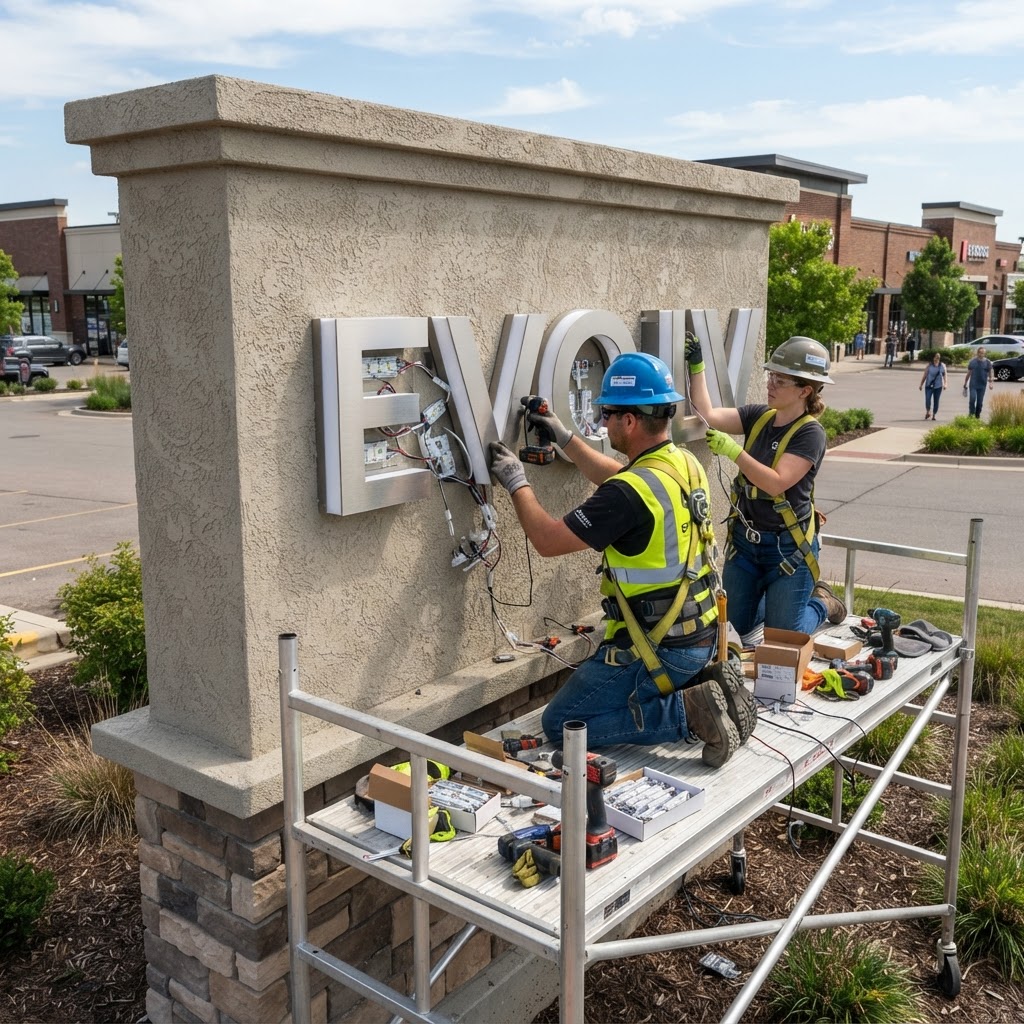
Organize job photos across 11 categories, from survey and site conditions to damage, inspection and completion. Authorized users can edit captions, reclassify or remove evidence, with audit history and updated closeout requirements.

A controlled tracking experience shows approved customer-safe progress, fabrication, shipment and milestone information without exposing the internal workspace.
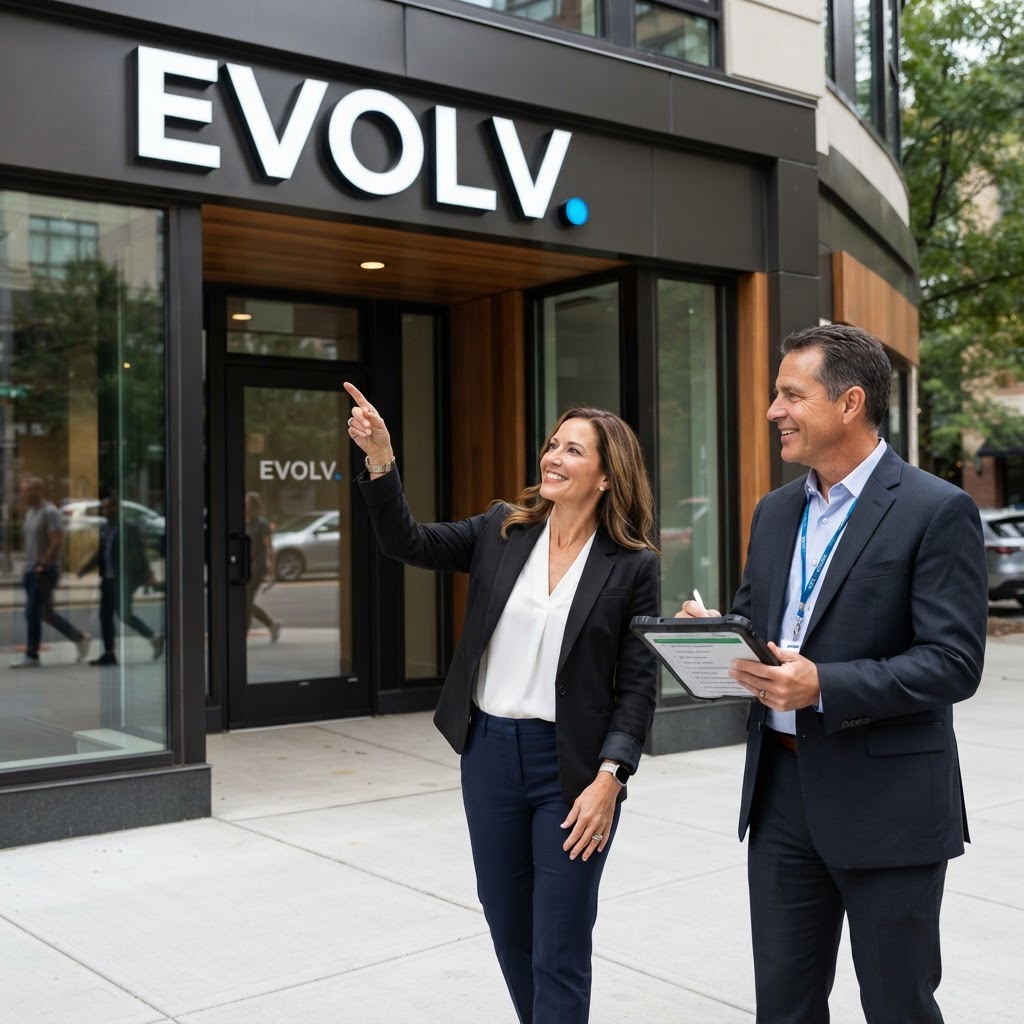
Commercial completion stays blocked until field completion, required QA evidence, open-issue resolution and customer sign-off all agree that the job is ready.
Generate reporting and closeout outputs from the same project history, while workspace exports, audit controls and recovery verification support long-term data ownership.
Give office teams, field crews and customers the tools they need at each handoff. From My Day assignments and drawing approvals to offline evidence, Company Chat and closeout, keep the whole team connected. Availability varies by plan, role and connected services.
Connect office staff and field teams through private messages and group conversations inside your company workspace. Reach active teammates, see unread indicators and keep project permissions intact. Included with Growth, Pro and Enterprise.
Route estimating, design, Municipal Sign Code Research and permit work through structured queues with due dates, assignments, files, comments and linked department handoffs.
Move projects through a drag-and-drop milestone board. Send revision-specific drawings for online approval, collect customer comments and change requests, and resubmit revisions with a recorded decision history.
Track shop stages, production photos, shipment release, carrier status, ETA, receiving, freight exceptions and install-date risk without splitting production from project management.
Give installers and subcontractors one assigned-work queue with job number and project name, location, next action, checklists, open issues and missing evidence. Keep drawings, camera capture and GPS check-in close to the work.
Keep project correspondence connected to the work while customers receive a controlled tracking experience for approved progress, drawings, fabrication, freight and milestones.
Enforce checklist, photo, issue-resolution and sign-off gates; then generate reporting, closeout outputs and integrity-checked workspace exports from the same operational record.
Review evidence-backed operational risks, analyze field photos and turn spoken or typed field requests into proposals for review. Permission-aware assistants help teams understand the work while people control consequential changes.
Standardize repeatable work with templates, custom workflows, team roles, field access, owner-managed location access for project and field evidence, multi-location operations, controlled API access and governed agent connectivity.
Organize photos in 11 job-specific categories. Authorized uploaders and workspace managers can correct captions, reclassify evidence or remove a photo while retaining its timeline entry. Changes are recorded in audit history. Save photos, checklist changes, issues and sign-off as device drafts while offline, then sync after reconnecting.
Give approved AI clients access to authorized project context through scoped, revocable connections. Workspace and role permissions still apply, with consequential actions subject to human approval. Available with Enterprise.
Keep workspace-owned data portable with integrity-checked exports and recovery archives. Large-account archives are split into manageable parts and checked for completeness and tenant boundaries.
Manage national programs, rollout locations, permanent sign assets, partners, design-intent intake, white-label customer experiences and enterprise integration / identity readiness.
Capture the site survey, document an installation, flag damage and organize the final photos in one project gallery. Correct a caption or move a photo to the right category without losing its place in the job history.
The four required photo categories remain Pre-Install, Existing Conditions, Install Progress and Completion. A Customer Sign-Off photo complements the separate customer sign-off workflow.
Explore how field documentation connects with approvals, dispatch and closeout.
Explore the product demoMost sign software starts after the project is sold. E.S.H. Enterprise can start earlier—discovering evidence-backed opportunities, assisting qualification and outreach, then carrying a won opportunity into the same operating system used for project delivery.
Discovery and enrichment preserve public evidence. Consequential actions—including outbound sales communication and conversion into live operations—remain human controlled.
Search current public web, Maps and News context for evidence-backed signage opportunities across national brands, contractors, developers, architects, designers, RFPs and local businesses.
Watch target accounts and run saved searches on daily or weekly cadences, with source evidence, deduplication and discovery-run history attached to the sales record.
Rank opportunities using signage fit, timing, account value, buyer access, signal strength and territory fit—without inventing unsupported project facts.
Research publicly verifiable people connected to construction, facilities, real estate, procurement, architecture, design and branded-environment decisions, with source links retained.
Surface high-scoring discoveries to workspace managers while suppressing duplicates and keeping automated outbound messaging disabled by default.
Generate evidence-aware sales drafts tailored to the opportunity and verified contact context, while leaving sending and relationship judgment with the salesperson.
Organize sales regions and view open opportunities, high-priority targets, estimated pipeline and average opportunity score by territory.
Convert a won opportunity into the existing Company, Enterprise Program, Program Location and Project structure so the same record continues into execution.
Evolv Sign Hub is preparing for a limited founding beta. Tell us about your sign operation and we'll keep you informed as invited access opens.